
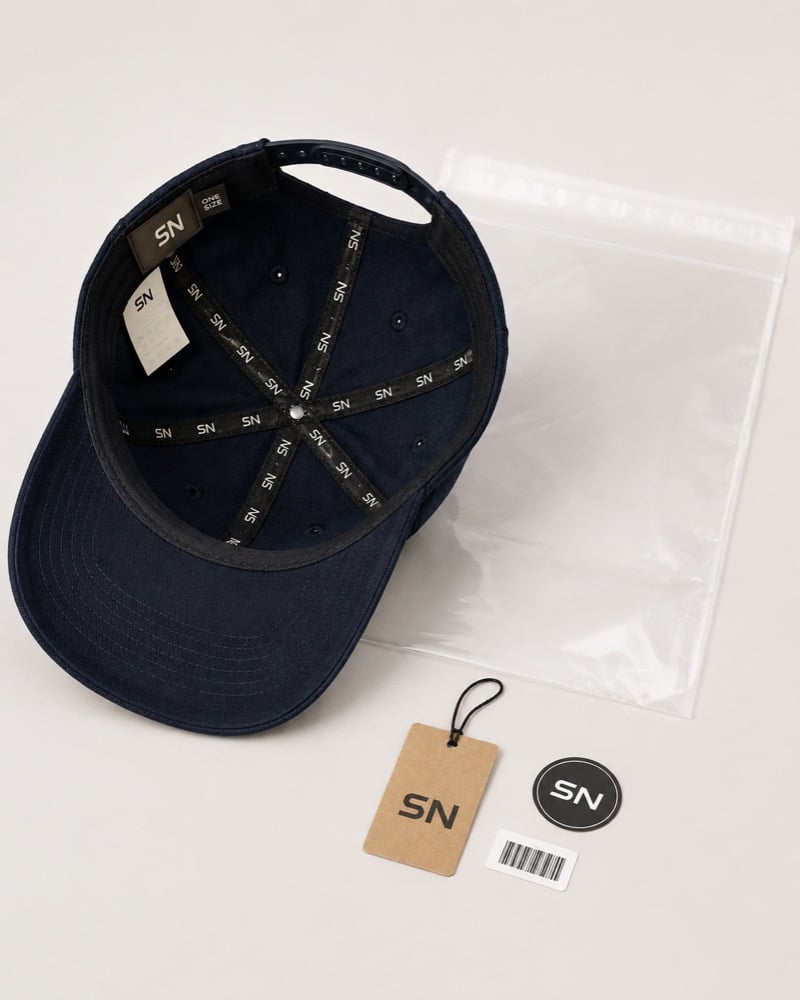
Before a custom hat goes to retail, approve the hangtag, the barcode, the SKU map and the attachment point on a printed sample — not on a screen proof. A well-made cap fails at receiving if the wrong code is attached to the wrong color, or if the hangtag blocks the front logo. The right sequence is simple: confirm what the retailer requires, map each style-color line to its own hangtag and code, test the attachment on the real hat, and scan the printed sample before bulk approval. Get those four steps right, and the retail handoff follows from evidence instead of guesswork.
Separate the jobs of the identifiers
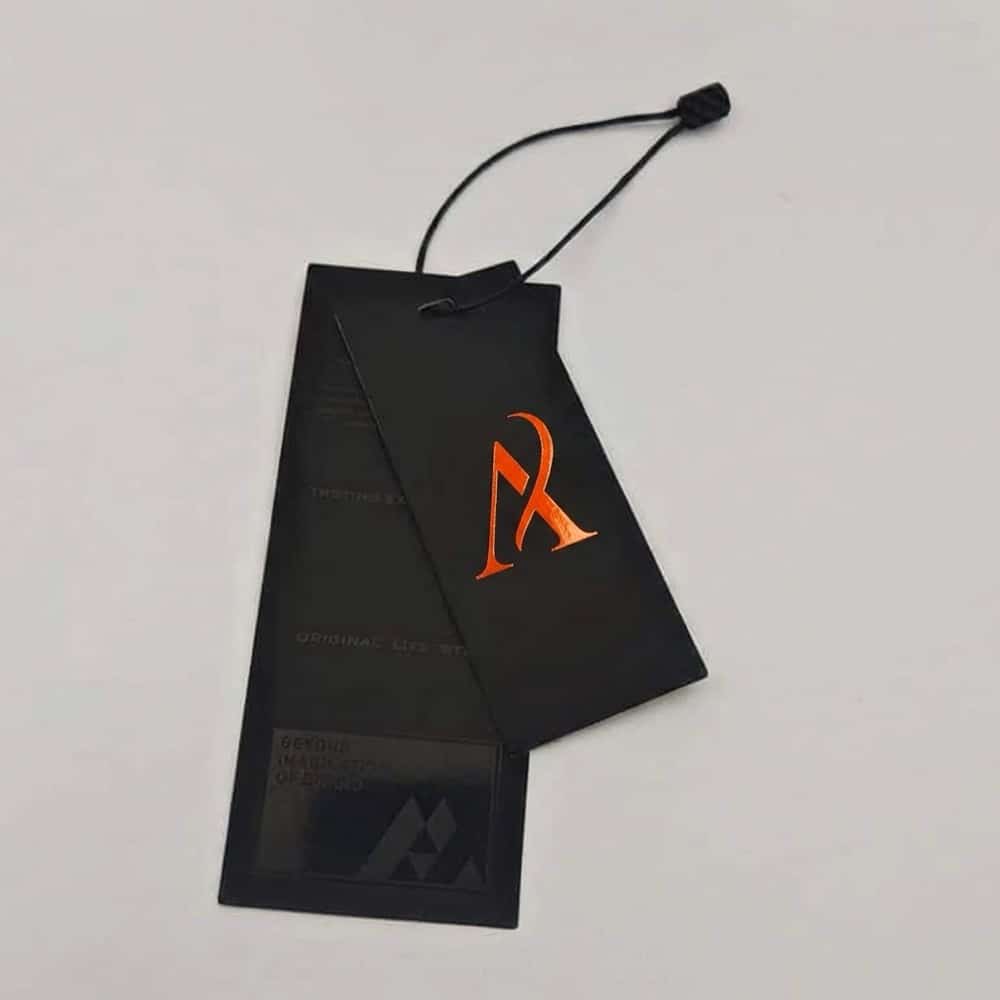
An inside brand label identifies the maker or brand. A care label carries product information. A hangtag can explain the product or carry retail details. A barcode identifies a specific trade item for a selling or inventory system. These are related components, but one does not automatically replace another — a hangtag without a scannable code does not make a hat retail-ready, and a barcode printed on the wrong line does not fix a missing hangtag. Write down which component carries which job before the brief is written: the label for the brand, the care label for product information, the hangtag for the product story and retail details, and the barcode for the trade item the system will count and sell. If two components share one surface, decide which one takes priority — a hangtag crowded with copy can leave no clean space for a scannable symbol, and a barcode squeezed onto a fold may not scan at all.
Ask the retailer what it actually requires
Start by asking the retailer or marketplace what it actually requires, before any print production. Who owns the product identifier — is the code supplied by the brand, the retailer, or another authorized party? Which SKU does it represent? Where must the scannable symbol appear, and in what size? Those answers should precede print production, because a hangtag printed with the wrong code cannot be fixed by sticking a label over it. A decorative barcode-shaped graphic is not a substitute for a valid assigned identifier. For standards-based retail barcodes, check the current GS1 General Specifications and the receiving channel’s requirements — the appropriate identifier, symbol format and placement depend on the actual trading arrangement, and this article is not a universal barcode specification. If the buyer does not yet know the retailer’s requirements, the brief should say so, and the hangtag artwork should wait until the requirements are confirmed in writing. Guessing the format now and reprinting later costs more than waiting for the answer.
Make a SKU-to-hangtag map
Even a small cap range can separate by style, color, size or pack. Put the approved attributes in one map and agree it with the party that manages inventory: one row per style-color line, one hangtag version per row, one code per row. Do not assume every color or size can share a single retail identifier — if the retailer counts colors separately, each color needs its own line and its own code. If the buyer needs separate pack codes for cartons, document those too, on the same map, so the carton code and the hat code are never confused. The quantity, color, and size plan guide works through the line-by-line method in full: each line — one style in one color — starts at the standard 100 pieces. Example: one style in two colors is two lines, so the starting quantity is 200 pieces, and each line carries its own hangtag version and code.
| Decision | Direct / own-channel sale | Retail partner sale | Check on the sample |
|---|---|---|---|
| Hangtag information | Product story, brand mark and care notes | Retail details the partner requires: price, code, SKU wording | On the printed sample, is every required line present and spelled as approved? |
| Barcode and scannability | Code assigned and recorded for the brand’s own system | Code and symbol format confirmed with the retailer, at the required size | Scan the printed sample in the retailer’s intended workflow, not only on a screen |
| Attachment point | Fastener position agreed with the brand | Position agreed so the tag does not block the front logo or the scan | Try the fastener on the approved hat; check removal leaves no hole or damage |
| Pack-out and carton marks | Individual bag or box as the brand specifies | Carton marks and pack codes per destination, as the retailer requires | Compare hat, hangtag, bag or box and carton label against the same order matrix |
| Version control | One artwork file per hangtag version | Retailer changes recorded; old files retired, not circulated | Before packing, confirm the packed version matches the approved file |
Design the attachment around the hat
A hangtag attached through the front panel can leave a visible hole or compete with the main decoration. A bulky plastic fastener near the sweatband can make try-on unpleasant. Consider whether a rear closure, label loop or another agreed point is better for the selected construction, and test the actual fastener and removal process on the approved hat — not on a different cap. The closure and fit guide covers closure range and try-on before approval, and the same trial wear shows whether a fastener near the band will irritate the wearer. Finishes matter as well: reflective foil, dark stock, a textured surface or a fold can make a code harder to read. Ask for a printed proof and verify legibility in the retailer’s intended workflow — a code that scans under office light may fail under the retailer’s scanner. The brand can create attractive packaging without placing essential machine-readable information where the scanner cannot reliably access it. Decoration routes and placement are set out on the customization page.
Approve the handoff, not just the artwork
Before packing, compare the hat, hangtag, individual bag or box and carton label against the same order matrix. Check a sample from each SKU rather than only the first attractive cap — the first cap off the line is the one most likely to be right, and the one least likely to show a systematic error. Record who approves the artwork, the barcode data, the attachment location and the final pack-out, and keep that record with the order. If the retailer changes an item code, retire the earlier file instead of letting two versions circulate — two live versions of one code is how the wrong code reaches the shelf. For the broader private-label program, the Best Custom Hats for Retail & Private Label Programs guide covers the full project line from style selection to hangtags and barcodes. The tech pack is the record that holds the approved style, color references, artwork version, barcode data and packing instructions in one place.
Keep the record for reorders
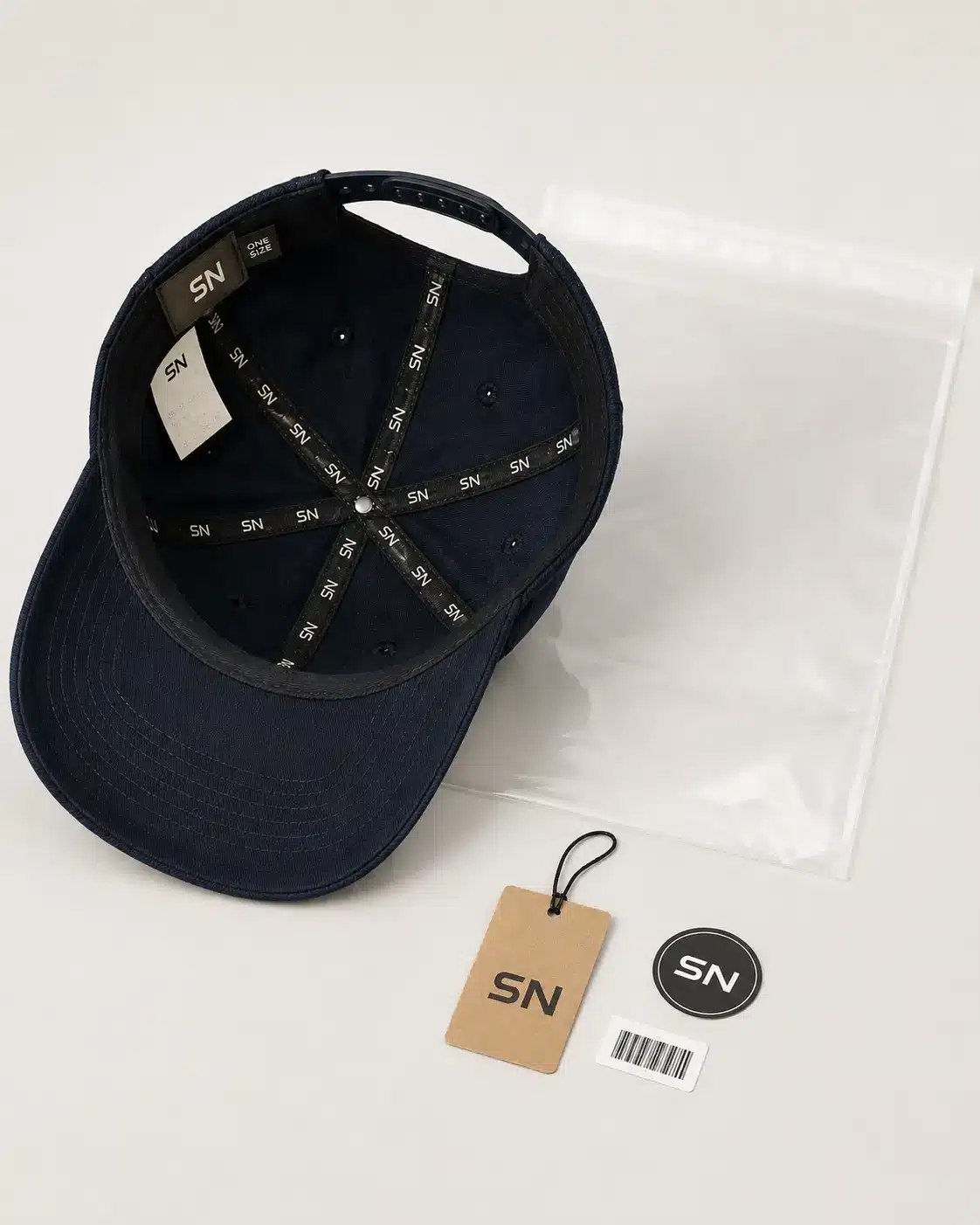
A retail program is reordered, and a hangtag is reprinted. Keep the approved style, color references, artwork version, barcode data and sample together, so a later order starts from the same specification, not from memory. Before reordering, confirm the specification and the code again — a new run may need fresh confirmation of materials, and a retailer may have changed its requirements since the last order. The process from brief to sample to bulk runs the same way for a reorder as for a first order: brief, sample, scan check, then bulk.
A retail handoff is ready when the printed sample scans, the hangtag version matches the SKU map, the attachment leaves the hat undamaged, and the pack-out matches the order matrix. If any of those is still open, the next sample — not the bulk order — is the right step. Share the style, color and size matrix and the retail channel’s requirements through the contact page, and the labeling and pack-out questions can be settled before the finished sample is signed off.
Frequently Asked Questions
What happens if the retailer changes the barcode after the hangtags are printed?
Retire the printed version and reprint from the corrected file — do not stick a new code over the old one unless the retailer has approved that method in writing. Record the change, the date and the person who authorized it, and scan the first reprinted sample before the rest of the run is packed.
Can one barcode cover all colors and sizes of the same style?
Only if the party that manages inventory says so. Many retailers count each color and size as a separate trade item, and each one then needs its own code and its own hangtag version. Confirm the mapping with the retailer before print production, and keep each style-color line separate in the brief.
Who should check the printed barcode — the supplier or the buyer?
Both, on the same printed sample. The supplier checks that the printed symbol matches the supplied data and remains readable on the selected stock and finish; the buyer — or the retailer — checks that it scans in the intended workflow. A code that reads on one scanner and fails on another has not passed the check.